
TikTok is the top hub for viral short-form video. However, native downloading plasters bouncing watermarks over the footage. HOKSys lets you grab the clean, unbranded original video in crisp Full HD and extract crystal-clear MP3 audio effortlessly.
Why Removing the TikTok Watermark Matters
Content creators, digital marketers, and educators frequently need to repurpose short clips for cross-platform publishing on YouTube Shorts, Instagram Reels, or corporate presentations. The native TikTok watermark bounces across the screen, obscuring critical visual details and triggering social media algorithms to down-rank reposted content.
Lossless Original Quality: HOKSys accesses the raw content delivery stream directly before the video rendering layer injects the bouncing watermark, ensuring you receive true 1080p / 720p MP4 files.
How to Download TikTok Videos Without Watermark in 3 Steps
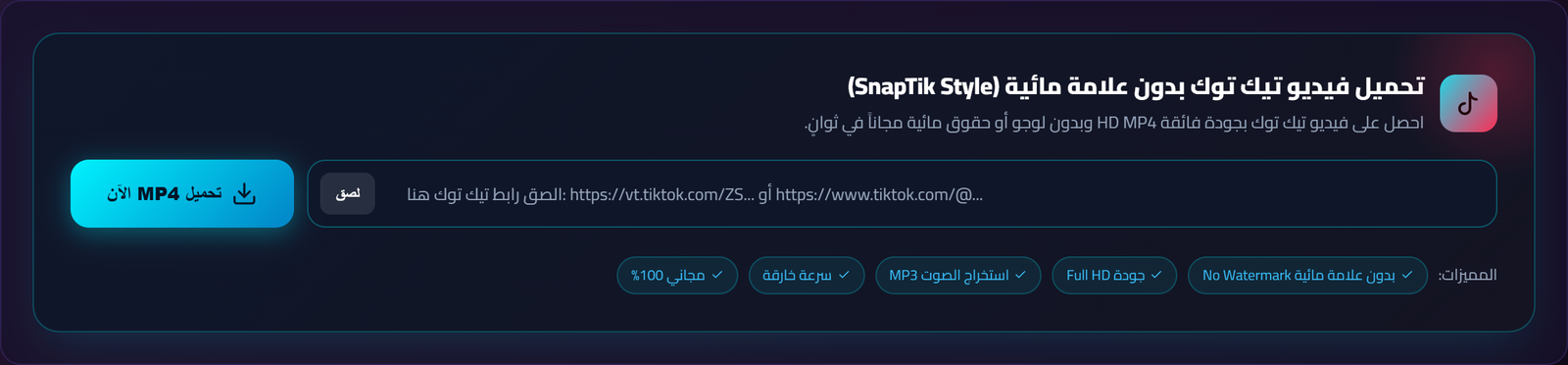 Real screenshot of the HOKSys TikTok Downloader workspace
1
Copy the TikTok Video URL
Open the video in the TikTok mobile app or desktop browser. Tap the "Share" icon and select "Copy Link".
2
Paste the Link into HOKSys
Head to the HOKSys TikTok Downloader page, paste your link into the search bar, and click "Analyze Video".
3
Choose Format & Download Instantly
Select either "Download No Watermark HD (MP4)" for pure video or "Extract Audio (MP3)" to save the soundtrack.
Comparison: HOKSys vs Ad-Heavy Download Apps
| Feature | HOKSys Web Tool | App Store / Play Store Apps | Cluttered Ad Sites |
|---|---|---|---|
| Watermark Removal | 100% clean, unbranded output | Requires paid pro upgrade | May stamp custom watermarks |
| Privacy & Permissions | Zero install, zero tracking | Demands photo/storage access | Aggressive popup redirects |
| Cost | Free forever | Recurring weekly/monthly fees | Free with intrusive video ads |
| Audio Extraction | One-click high-bitrate MP3 | Rarely supported | Separate tool required |
Troubleshooting Common TikTok Download Issues
- Private Profiles: Videos hosted on private TikTok profiles cannot be fetched. The profile must be public for the extraction to work.
- Saving on iPhone (iOS Safari): After tapping download, tap the Safari share icon and choose "Save Video" to transfer the clip directly into your Photos album.
- Supported URL Formats: Both short share links (vt.tiktok.com) and full desktop URLs (tiktok.com/@user/video/...) are fully supported.